From idea to market-ready product, our NPI solutions make every stage easier, faster. Discover How We Help
Help Center

Views: 276 Author: Capital Technology Publish Time: 2026-08-23 Origin: Site
Content Menu
● Why Daily Centrifugal Fan Maintenance Matters
● Pre-Start Centrifugal Fan Inspection Checklist
>> Mechanical and Airflow Checks
>> Bearing and Lubrication Checks
>> Electrical and Safety Checks
● What to Monitor During Centrifugal Fan Operation
>> Check Vibration and Mechanical Stability
>> Monitor Temperature, Current, and Airflow
● Daily Centrifugal Fan Maintenance Checklist
● A Practical Weekly, Monthly, and Annual Plan
>> Weekly Tasks
>> Annual or Scheduled Shutdown Tasks
● How to Diagnose Common Centrifugal Fan Problems
>> Expert Insight: Clean Impellers Are a Reliability Issue
● Safety Rules Before Cleaning or Repairing a Fan
● Build a Data-Based Fan Maintenance Program
● Choose the Right Cooling Fan Partner
>> 1. How often should a centrifugal fan be cleaned?
>> 2. What is the most common cause of centrifugal fan vibration?
>> 3. Can I lubricate centrifugal fan bearings every day?
>> 4. Why is my centrifugal fan drawing higher motor current?
>> 5. What should I do if the fan makes a new noise after startup?
>> 6. Is lockout/tagout necessary for fan cleaning?
>> 7. Can vibration monitoring prevent fan failure?
Centrifugal fan maintenance is not simply a cleaning task—it is a practical reliability strategy that protects airflow performance, equipment life, worker safety, and unplanned-downtime costs. For industrial ventilation, cooling, dust collection, HVAC, telecom cabinets, and power electronics applications, a disciplined centrifugal fan maintenance checklist helps teams detect imbalance, bearing wear, loose fasteners, airflow restrictions, and electrical abnormalities before they develop into major failures.
At Capital Technology Co., Limited, we work with cooling-fan applications where stable airflow and dependable operation matter. As a manufacturer of DC fans and AC fans under the CAPITAL brand, and a principal distributor of SANYO DENKI products, we understand that maintenance requirements vary by fan design, operating environment, installation method, and system criticality. The best maintenance plan is always based on the fan manufacturer's manual, actual operating data, and site-specific safety procedures.
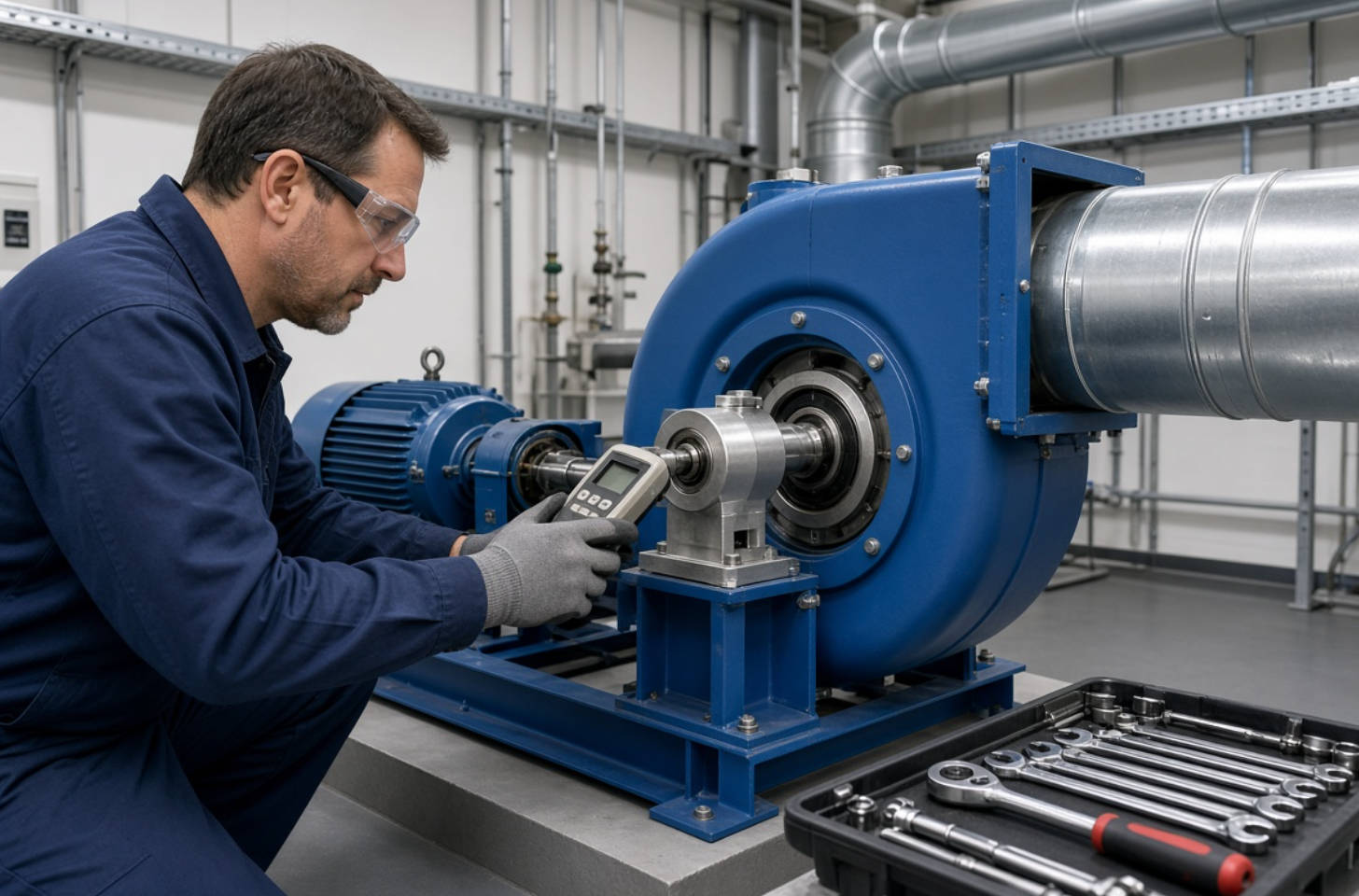
A centrifugal fan converts motor power into airflow and pressure. Its performance depends on the coordinated condition of the impeller, motor, bearings, housing, shaft, drive system, dampers, and ductwork. Even a relatively small amount of dust buildup or mechanical looseness can affect fan balance, airflow, vibration, energy use, and noise.
Daily inspections give operators a baseline. When the fan begins to sound different, vibrate more strongly, run hotter, or draw unusual current at the same operating duty, the maintenance team can investigate early rather than waiting for a shutdown.
Regular inspection is especially important in environments with:
- Dust, fibers, oil mist, moisture, or corrosive gases
- High ambient temperatures
- Continuous or near-continuous operation
- High static-pressure systems
- Variable-speed control
- Sensitive electronics or telecom equipment
- Safety-critical ventilation requirements
A practical maintenance routine should focus on trends, not only pass-or-fail checks. Record normal vibration, bearing temperature, motor current, airflow-related complaints, and noise characteristics. A rising trend often reveals developing faults earlier than a single visual inspection. AMCA guidance recommends vibration measurements at impeller shaft bearings and calls for corrective action when vibration reaches the applicable alarm level.
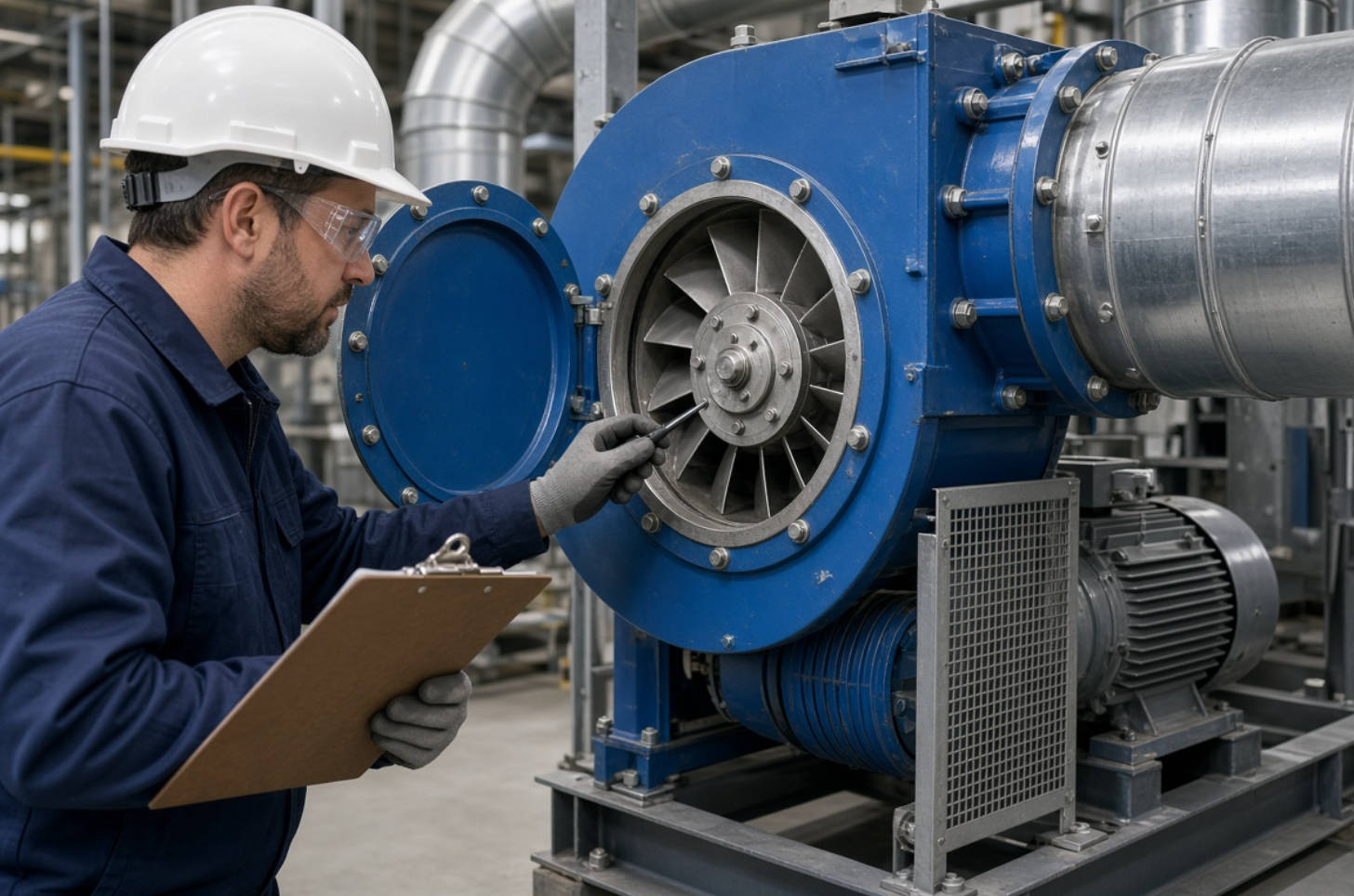
Before starting a centrifugal fan, confirm that the unit is mechanically secure, electrically safe, and free from obstructions. This step helps prevent damage during startup, when the fan reaches operating speed and dynamic loads increase.
Use the following pre-start checks:
- Inspect the fan housing, inlet cone, wheel, guards, duct connections, and access doors for visible damage.
- Confirm that no tools, loose hardware, packing materials, or foreign objects remain inside the fan or connected ductwork.
- Check that all mounting bolts, foundation bolts, motor bolts, bearing-housing bolts, and guard fasteners are present and secure.
- Verify that manual or motorized dampers move freely and are positioned according to the approved startup sequence.
- Inspect duct joints, flexible connectors, access doors, and seals for air leakage.
- Confirm that the impeller can rotate freely where manual turning is permitted by the manufacturer and site procedure.
- Ensure that cooling-water circuits, if fitted to the bearing or system, are open and flowing correctly.
Bearing failures are among the most disruptive fan maintenance issues. Before startup, inspect the lubrication condition according to the bearing arrangement.
For oil-lubricated bearings:
- Confirm that the oil level is within the correct sight-glass range.
- Check oil for discoloration, contamination, leakage, or unusual odor.
- Ensure breathers, seals, and cooling arrangements are functioning.
For grease-lubricated bearings:
- Use only the lubricant grade and quantity specified by the manufacturer.
- Avoid over-greasing, which can generate heat and damage seals.
- Inspect for grease leakage, discoloration, or signs of contamination.
Do not apply grease on an arbitrary schedule. Greasing frequency depends on bearing type, speed, load, temperature, contamination level, and duty cycle. Manufacturer instructions should take priority over general maintenance intervals.
Before energizing the fan:
- Confirm that motor power cables, control wiring, grounding conductors, and terminal connections are secure.
- Check that overload protection, variable-frequency drives, control panels, and interlocks are in normal status.
- Verify that guards are installed and access panels are closed.
- Ensure that the work area is clear and relevant personnel have been notified.
- Confirm that the fan is authorized to start through the site's control-room or local operating procedure.
After startup, operators should observe the fan closely until it reaches normal operating speed and stable load. Startup is one of the best opportunities to identify incorrect rotation, rubbing components, overload, abnormal vibration, or airflow-system problems.
A healthy fan typically produces a stable, repeatable sound pattern. Investigate changes such as:
- Scraping or metallic contact
- Repetitive knocking
- Squealing belts
- Rumbling bearings
- Sudden changes in airflow noise
- Pulsing or surging sounds
Noise alone does not diagnose the fault, but it provides a valuable early warning. A new sound combined with increased vibration, higher temperature, or abnormal motor current should trigger further inspection.
Vibration may result from impeller contamination, imbalance, bearing damage, misalignment, loose bolts, weak foundations, damaged belts, bent shafts, or system resonance. Check the fan housing, bearing housing, motor base, and foundation for unusual movement.
For reliable trending, measure vibration at consistent locations using the same measurement approach whenever possible. AMCA notes that vibration should be measured at the impeller shaft bearings, using the shortest practical mechanical path between the transducer and bearing. [amca]
If vibration rises toward the site's established alarm limit, investigate promptly. If it reaches the shutdown threshold defined by the equipment manufacturer or reliability program, shut the unit down safely and correct the cause before returning it to normal service.
During operation, check:
- Bearing temperature
- Motor casing temperature
- Motor current draw
- Cooling-water flow where applicable
- Damper position
- Differential pressure or airflow indicators, if installed
- Air leaks around ducts, access panels, or joints
A rise in bearing temperature may indicate lubrication problems, overload, contamination, or bearing damage. A current change at the same operating condition may point to airflow restrictions, damper changes, incorrect rotation, mechanical drag, or motor/control issues.
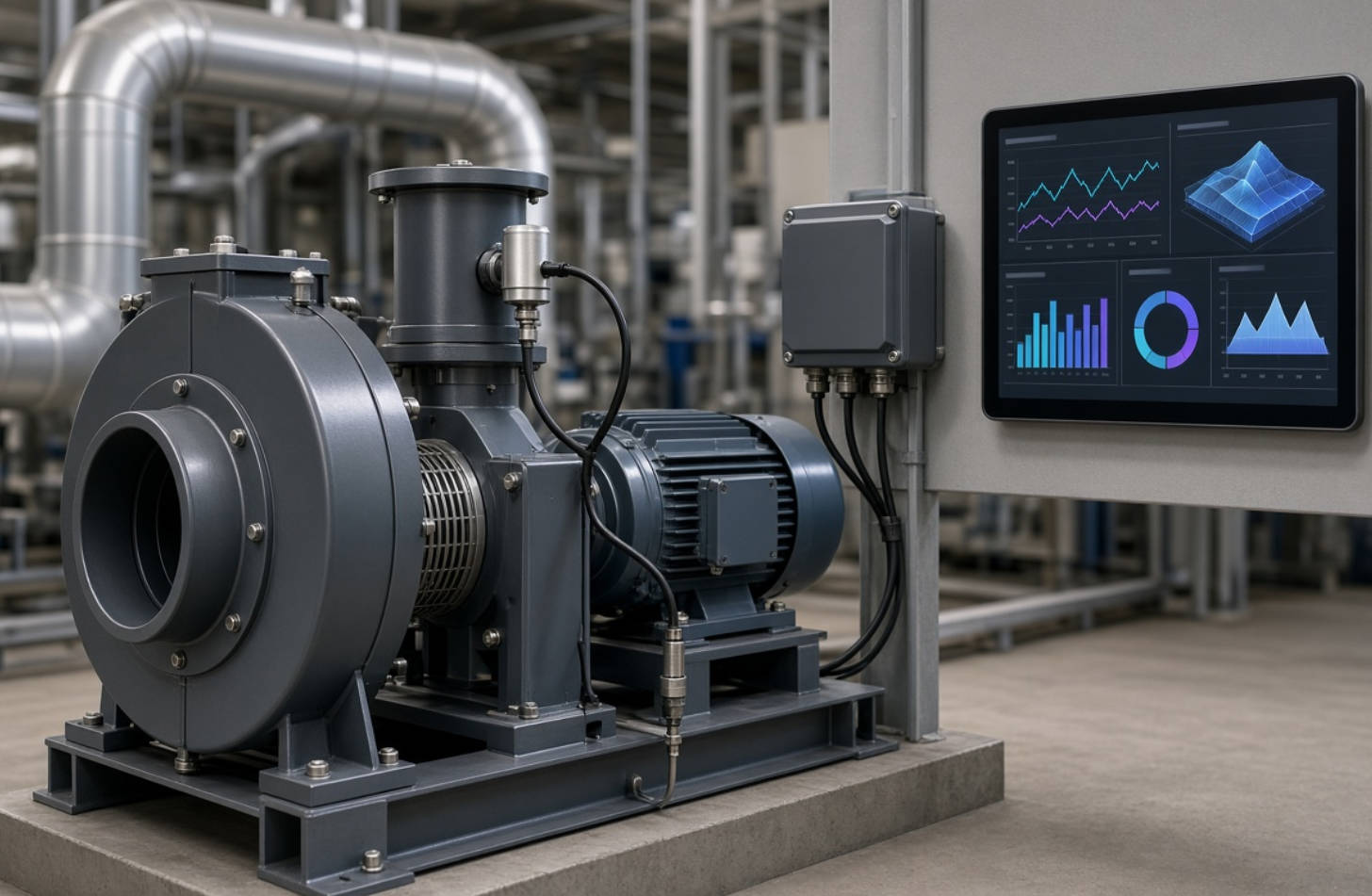
The following checklist is suitable as a daily operating routine. It should be adapted to the fan model, installation environment, risk level, and manufacturer's service requirements.
| Inspection Area | Daily Check | Warning Signs | Recommended Action |
|---|---|---|---|
| Impeller and inlet | Check for dust, debris, corrosion, and buildup | Uneven deposits, damaged blades, reduced airflow | Isolate power and clean or inspect the wheel |
| Bearings | Check temperature, noise, leakage, and lubricant condition | Heat rise, rumble, grease leakage, oil contamination | Review lubrication and inspect bearing condition |
| Motor | Monitor current, temperature, sound, and ventilation | Overcurrent, overheating, odor, unstable speed | Check load, power supply, cooling, and controls |
| Vibration | Observe and trend vibration at defined points | Increasing vibration, shaking, loose base | Inspect balance, alignment, fasteners, and foundation |
| Fasteners | Inspect visible bolts, guards, covers, and mounts | Loose, missing, corroded hardware | Tighten or replace using approved torque values |
| Ductwork | Check joints, dampers, doors, and flexible connectors | Air leaks, loose seals, wrong damper position | Repair leaks and verify damper control |
| Safety devices | Confirm guards, interlocks, and emergency controls | Missing guards or failed interlocks | Remove from service until corrected |
Daily checks identify operating changes quickly, but a complete centrifugal fan preventive maintenance program needs multiple intervals.
- Clean accessible dust from fan exteriors, guards, and motor cooling surfaces.
- Check for oil or grease leakage.
- Inspect belts, pulleys, couplings, and guards where applicable.
- Confirm that access doors and duct connections remain sealed.
- Review operating logs for changes in noise, vibration, temperature, and amperage.
- Inspect the impeller for buildup, corrosion, cracks, and blade damage.
- Check bolt tightness using approved torque requirements.
- Inspect motor mounting, base frame, vibration isolators, and foundation condition.
- Check bearing lubrication condition and replenish only as specified.
- Compare current vibration and temperature readings with baseline data.
- Inspect electrical connections for overheating, discoloration, or looseness.
- Conduct a detailed internal inspection of the impeller, housing, inlet cone, shaft, bearings, seals, and drive components.
- Clean the impeller thoroughly to prevent imbalance caused by accumulated material.
- Check alignment of direct-drive or belt-drive components.
- Inspect motor insulation and electrical protection according to site procedures.
- Review vibration trends and perform formal vibration analysis where the fan is critical.
- Replace worn belts, damaged seals, degraded bearings, or corroded components as needed.
Aerovent's centrifugal-fan maintenance guidance similarly emphasizes regular inspection, lubrication, and observation of sound and vibration, with follow-up checks of fasteners, foundation integrity, impeller cleanliness, bearings, and drive components when operating changes occur.
A maintenance checklist becomes much more valuable when operators know what common symptoms may indicate.
| Symptom | Possible Causes | First Inspection Steps |
|---|---|---|
| High vibration | Dirty impeller, imbalance, bearing wear, loose bolts, misalignment | Inspect wheel cleanliness, mounting bolts, bearings, alignment |
| Bearing overheating | Incorrect lubrication, over-greasing, contamination, excessive load | Check lubricant type, amount, condition, and bearing temperature trend |
| Low airflow | Dirty wheel, blocked inlet, duct leakage, wrong rotation, damper issue | Inspect inlet, impeller, ductwork, damper position, rotation |
| High motor current | Excessive airflow demand, mechanical drag, voltage issue, incorrect setup | Compare against design duty, inspect rotation and mechanical condition |
| Unusual noise | Rubbing, loose parts, bearing damage, belt problems, turbulence | Listen during startup, inspect guards, wheel clearance, bearings and drive |
| Repeated bolt loosening | Excessive vibration, weak base, resonance, incorrect torque | Inspect vibration level, base stiffness, anchors, and balancing |
A dirty centrifugal fan impeller does more than reduce airflow. Material buildup changes the mass distribution of the wheel. If deposits are uneven, the impeller can become dynamically unbalanced, increasing vibration loads on bearings, shafts, mounts, and motor components.
For this reason, cleaning should be based on the operating environment rather than a fixed calendar date. A fan in a clean electrical enclosure may need only periodic inspection, while a fan in a dusty manufacturing process may require much more frequent cleaning.
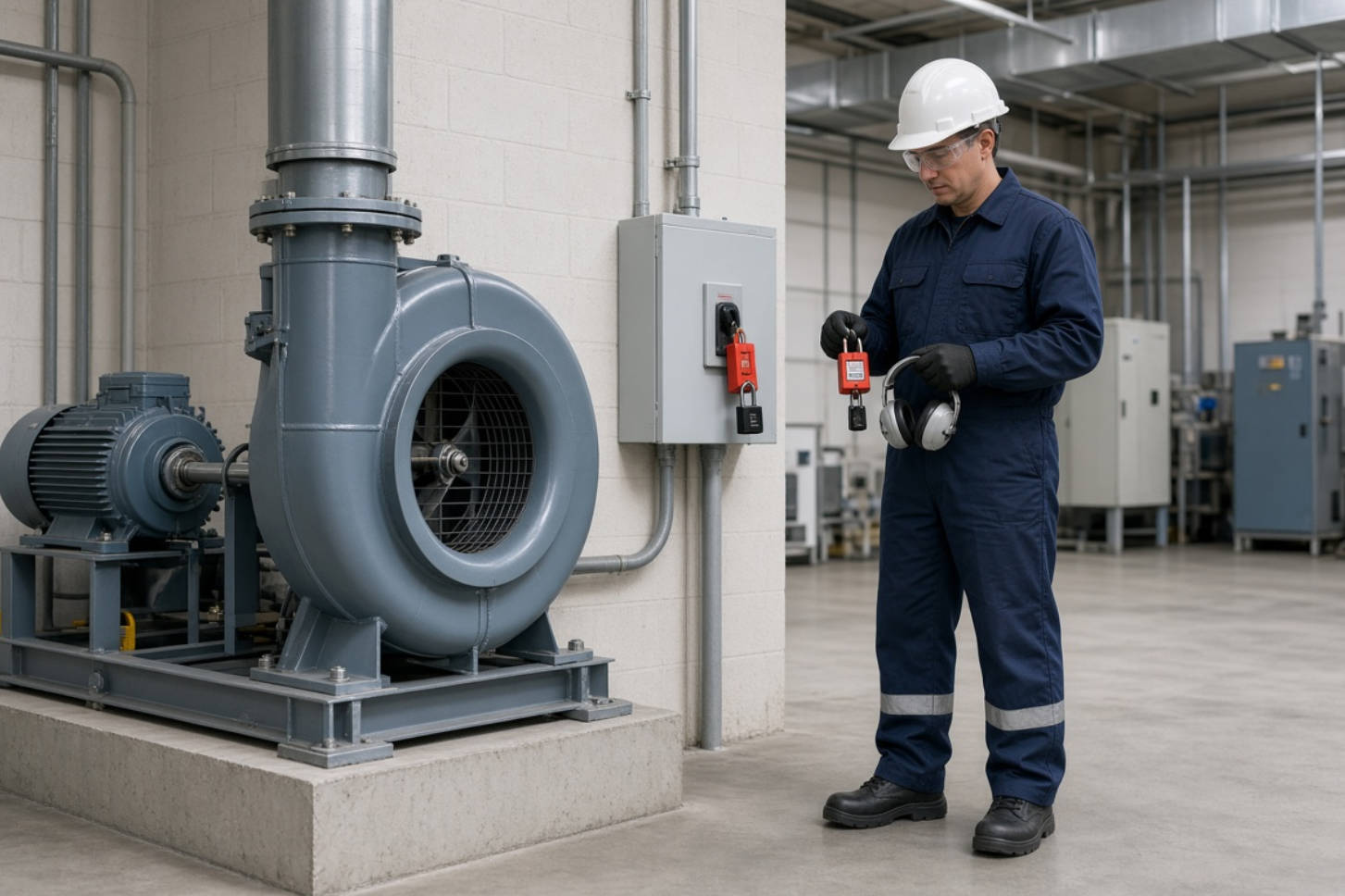
Never clean, adjust, lubricate, or inspect internal rotating components while a centrifugal fan is energized or capable of unexpected startup. Use the facility's approved hazardous-energy-control procedure.
A proper lockout/tagout process generally includes preparing for shutdown, shutting down the equipment, isolating energy sources, applying lockout or tagout devices, and releasing or restraining stored energy before maintenance begins. OSHA states that its hazardous-energy-control standard covers servicing and maintenance where unexpected energization, startup, or release of stored energy could occur.
Before opening an access door or removing a guard:
1. Stop the fan through the approved shutdown sequence.
2. Isolate electrical power and any other applicable energy sources.
3. Apply personal lockout/tagout devices according to the site procedure.
4. Wait until all rotating parts have completely stopped.
5. Verify zero-energy status before work begins.
6. Use suitable personal protective equipment.
7. Reinstall guards and close access panels before returning the fan to service.
Do not use wet cloths, unapproved tools, or compressed air in ways that create electrical, dust, or personnel hazards. Follow local regulations, plant procedures, and the equipment manufacturer's maintenance instructions.
The most effective maintenance programs combine routine human inspections with condition data. Instead of relying only on "looks normal," establish a simple record for each critical fan.
Track these data points:
- Date and operator
- Fan speed or VFD frequency
- Motor current
- Bearing temperature
- Vibration reading and measurement location
- Noise observations
- Damper position
- Cleaning and lubrication actions
- Parts replaced
- Corrective actions and follow-up results
This creates a performance history. For example, if a fan's vibration rises gradually after six weeks of operation in a dusty area, the team can schedule cleaning before imbalance damages the bearing assembly. If motor current changes after a duct modification, the system can be reviewed before the motor becomes overloaded.
For high-value or continuous-duty installations, consider vibration sensors, temperature monitoring, current monitoring, or remote alarms. These tools do not replace inspections, but they can improve response speed and maintenance planning.
A centrifugal fan's reliability begins with correct fan selection, but it depends on proper installation and disciplined maintenance throughout its service life. The right supplier should understand airflow requirements, pressure, noise limits, voltage, control method, operating temperature, mounting space, environmental contaminants, and expected service interval.
Capital Technology Co., Limited provides cooling solutions covering DC fans, AC fans, and related thermal-management applications. Whether you need a compact fan for an electronic cabinet, an AC cooling fan for industrial equipment, or a dependable solution for demanding ventilation conditions, our technical team can help assess your operating requirements and recommend an appropriate product approach.
Need help selecting a DC fan, AC fan, or centrifugal cooling solution for your equipment? Contact Capital Technology with your airflow, static-pressure, voltage, installation-space, and operating-environment requirements for technical support.
Cleaning frequency depends on contamination, operating hours, airflow duty, and fan location. Inspect the impeller regularly and clean it whenever dust or residue begins to affect airflow, balance, vibration, or energy consumption.
Common causes include impeller buildup, imbalance, loose fasteners, worn bearings, misalignment, damaged drive components, and weak foundations. Start by comparing current vibration readings with the fan's established baseline.
Not necessarily. Over-lubrication can cause overheating and seal damage. Use the bearing manufacturer's and fan manufacturer's specified lubricant type, quantity, and interval.
Higher current may be caused by a change in airflow demand, incorrect damper setting, mechanical drag, excessive system load, electrical issues, or an incorrect operating point. Inspect the system before continuing operation.
Treat a new or abnormal noise as an early warning. Check vibration, motor current, bearing temperature, impeller clearance, drive components, and loose hardware. If the fan is unsafe or vibration is severe, shut it down using the approved procedure.
Yes, whenever maintenance exposes personnel to unexpected startup, electrical energy, stored energy, or rotating parts. Follow your local regulations and site-specific hazardous-energy-control procedure.
It can help detect developing faults earlier. Trending vibration measurements over time can reveal imbalance, looseness, bearing degradation, or alignment issues before a complete failure occurs.
1. Longwell. "Operational Procedures for Centrifugal Fans." [Read the source article]
2. Occupational Safety and Health Administration (OSHA). "29 CFR 1910.147: The Control of Hazardous Energy (Lockout/Tagout)." [View OSHA standard]
3. Occupational Safety and Health Administration (OSHA). "Control of Hazardous Energy: Lockout/Tagout." [Read OSHA overview]
4. Occupational Safety and Health Administration (OSHA). "Lockout/Tagout Fact Sheet." [Download the fact sheet]
5. Air Movement and Control Association International (AMCA). "AMCA 204-20: Balance Quality and Vibration Levels for Fans." [View AMCA resource]
6. Aerovent. "IM-140 Centrifugal Fans: Installation, Operation and Maintenance." [Read the maintenance manual]


